We use cookies to run this site and, with your permission, to measure traffic and personalize ads. Choose what you're comfortable with below. See our Terms & Privacy Policy for details.
Required for the site and checkout to work. Cannot be turned off.
Helps us understand how visitors use the site (Google Analytics).
Used for ad measurement and personalization (Google Ads, Meta).





Songs we mixed and mastered that Apple Music lists as Apple Digital Masters. Open one in the Apple Music app: the “Apple Digital Master” label sits on the album page, next to Lossless.
 Apple Digital MasterMindsKel Rose, Lil Eddie & Valeria KokaListen on Apple Music
 Apple Digital MasterSave MeKel Rose & Adan Castillo JrListen on Apple Music
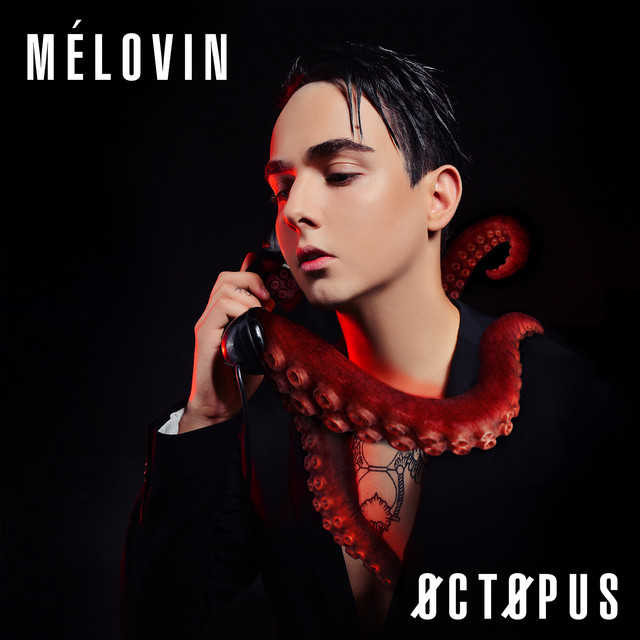
 Apple Digital MasterSleeping NakedXARMSListen on Apple Music
 Apple Digital MasterHazer JavabYasin TorkiListen on Apple Music
 Apple Digital MasterHyacinthArvind PrabhakarListen on Apple Music
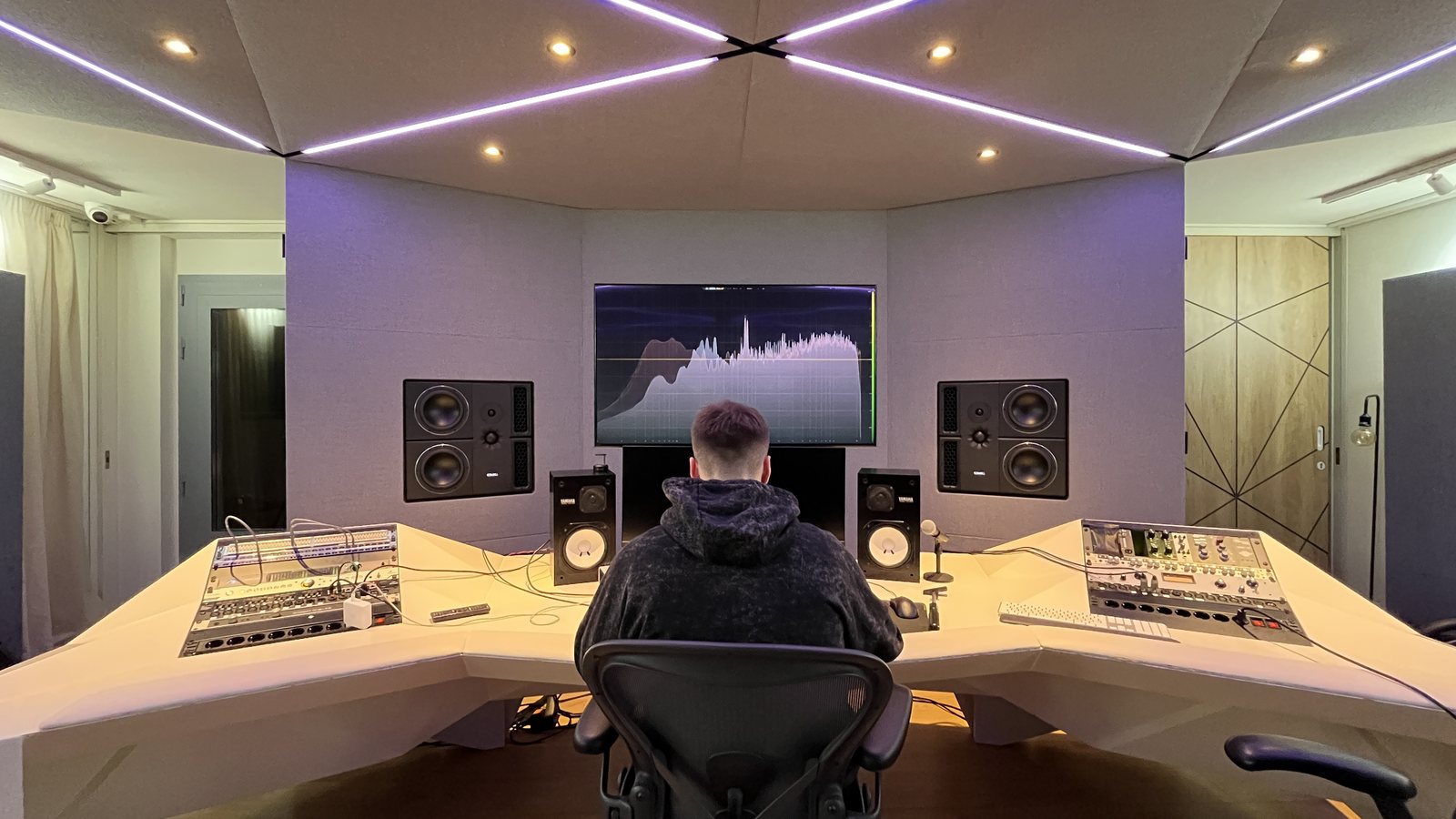
Four of them are also out in Dolby Atmos, mixed in our 7.1.4 room.
A 24- or 32-bit WAV at the session’s own sample rate, nothing on the master bus, peaks around −6 dB. Don’t upsample: Apple asks for the native resolution.
Per song, weekends included. We master against your reference, then check the master through Apple’s encoder.
Every revised master goes through the same encoder check. Still not right after six? Your money back.
One WAV per song for your distributor, plus what to tell them so the release is flagged as an Apple Digital Master.
The same WAV goes to Spotify, TIDAL and every other store. Mix not finished yet? Complete Mixing and Mastering starts at $133 per song.
An Apple Digital Master is a song mastered to Apple’s spec by an approved mastering engineer and checked with Apple’s own encoding tools. Apple Music streams in AAC, a compressed format, and a loud master can pick up clipping and harshness when it is encoded. Mastering for Apple Digital Masters means testing that encode before release, so what plays on Apple Music sounds like the file you approved. The program used to be called Mastered for iTunes and was renamed in 2019.
| Apple Digital Master | Standard master | |
|---|---|---|
| Source file | 24-bit WAV at the native sample rate (44.1 kHz or higher) | Often 16-bit, any rate |
| Who masters it | An engineer or studio Apple has approved as a provider | Anyone |
| AAC check | Encoded and tested with Apple’s tools before delivery | Usually not checked |
| Clipping after encoding | Found with afclip and fixed in the master | Can appear on loud masters |
| Badge on Apple Music | “Apple Digital Master” | None |
| Other platforms | Same WAV everywhere | Same WAV everywhere |
Lossless and Hi-Res Lossless are playback formats: Apple encodes them from the file you deliver. The Apple Digital Master badge is about how that file was mastered and checked. One release can carry all three labels: our 24-bit master covers Lossless, and Hi-Res Lossless too when your session runs above 48 kHz.
Dolby Atmos is a separate immersive mix with its own badge. The stereo master can be an Apple Digital Master at the same time; most of the releases above have both. Dolby Atmos mixing is a separate service.
Any master can go on Apple Music. Apple Digital Masters is worth it when Apple Music matters for the release: the encode is checked, nothing clips on the stream, and the badge shows listeners and playlist editors that the master was made to Apple’s spec.
A person listens to your mix next to your reference and makes the decisions. The Apple part comes after: the master has to survive the AAC encode that most Apple Music listeners hear.
We set tone, dynamics and loudness against your reference by ear. There is no fixed loudness target: Sound Check turns loud songs down on Apple Music anyway, so pushing harder only costs punch.
The master is encoded to AAC with Apple’s Digital Masters tools and compared with the original. afclip finds the samples that would clip after encoding; we fix them in the master, not by turning the file down at the end.
A 24-bit WAV at your session’s sample rate, the file Apple asks distributors for. Need stems mastered? Add Stem Mastering (+$50 per song) and send them instead of one stereo mix.
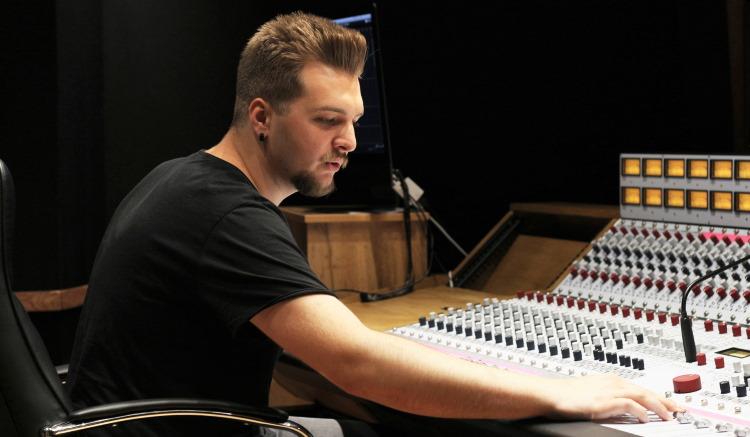
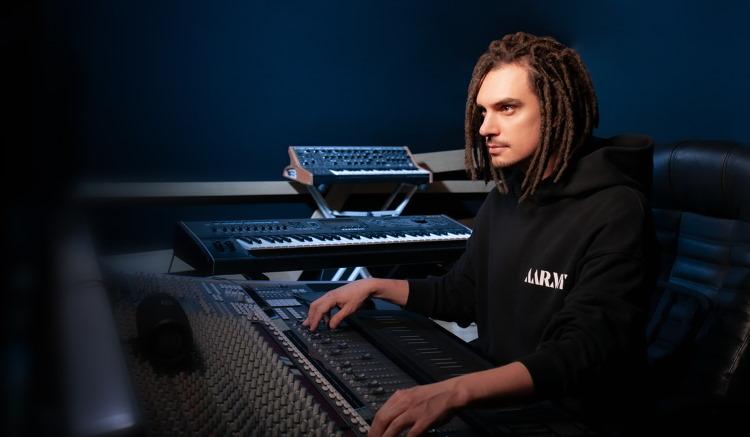
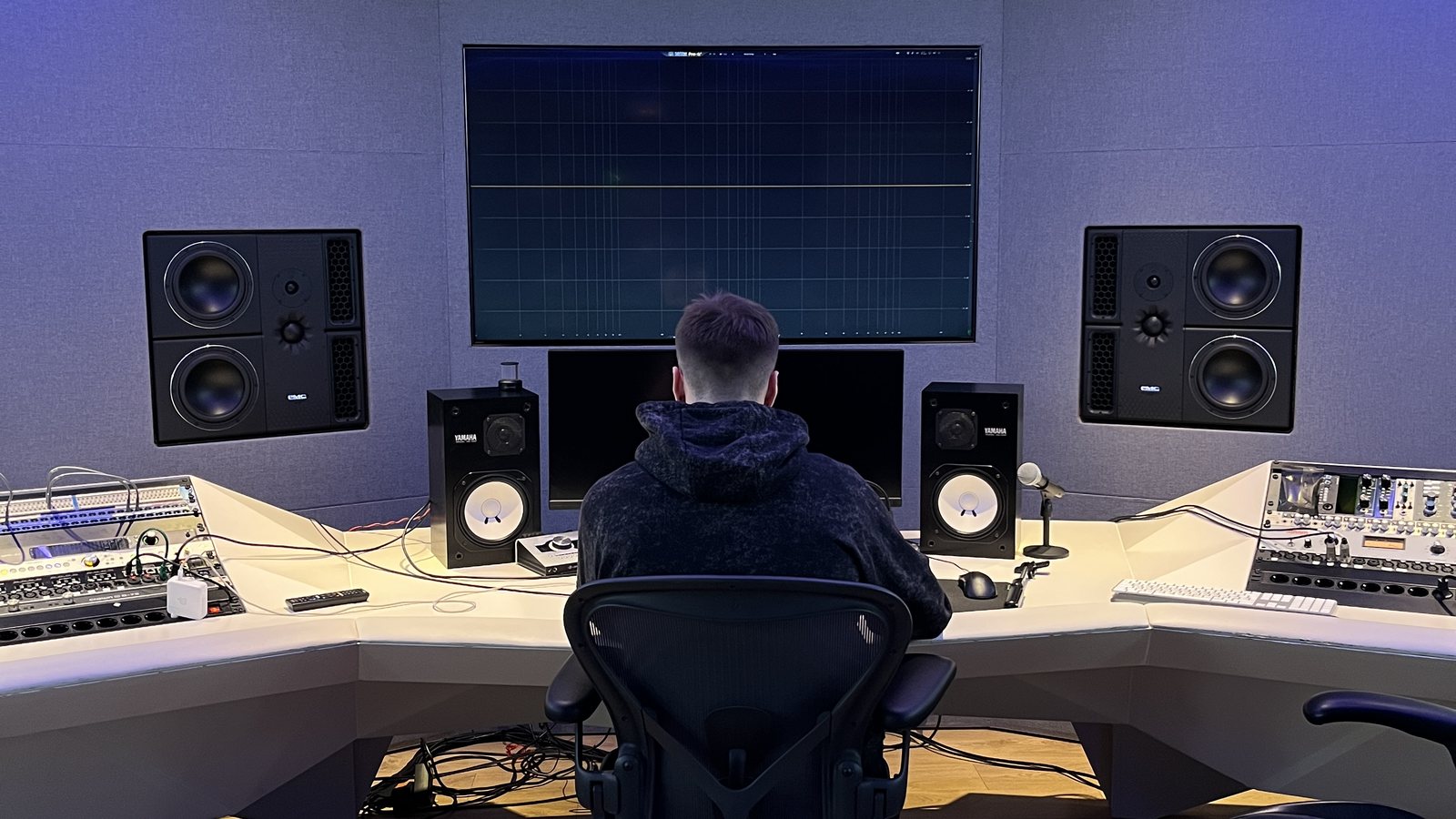
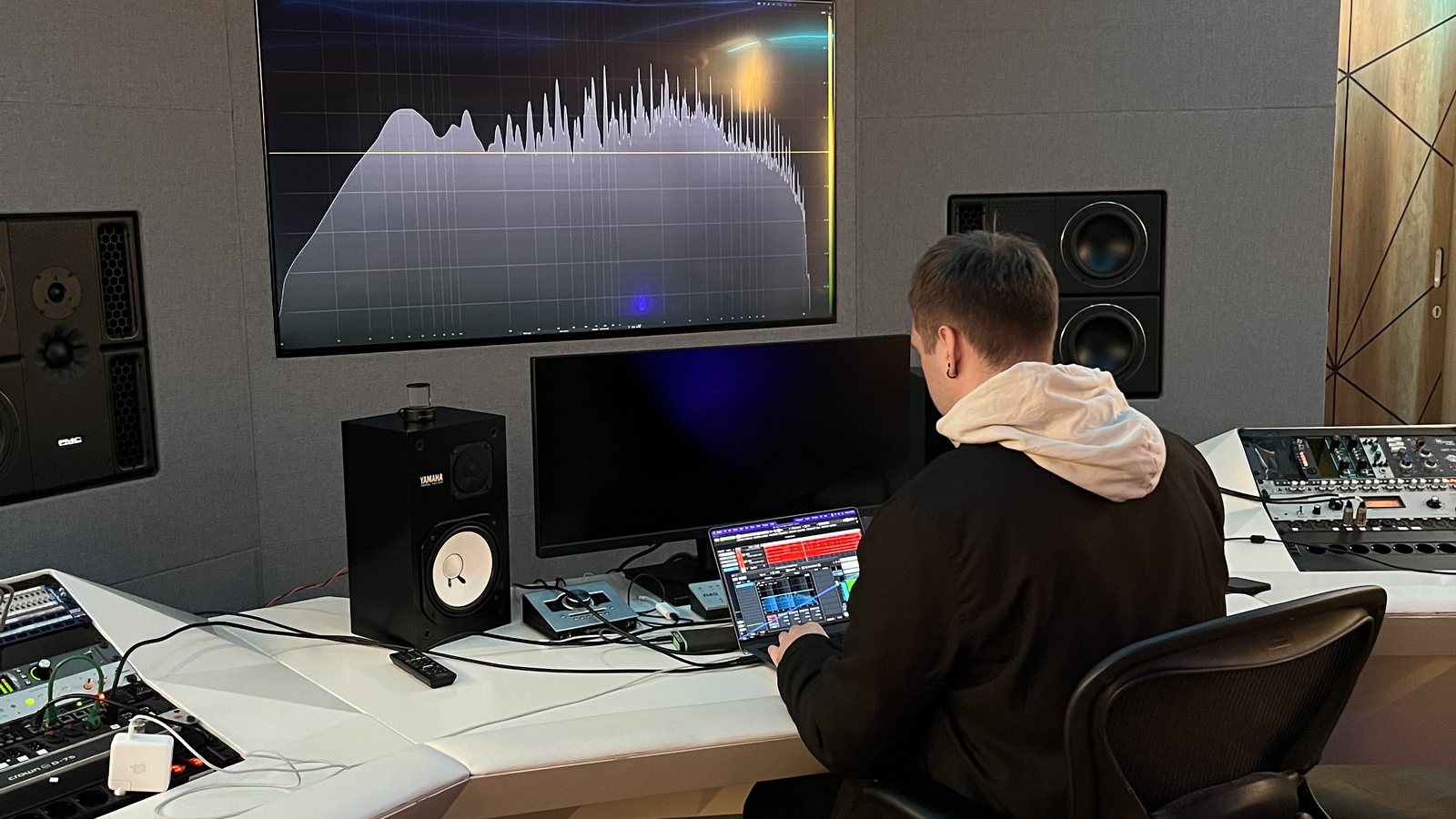
Fantastic service! They do an amazing job and are great to work with. Excellent customer support and respect for the vision, while also bringing exciting new ideas and interpretations to the table. I would recommend this service to anyone who’s looking to get their music mastered!
Excellent service. They rework your master until you are satisfied by the result and without any extra costs. A professional team, I recommend it. 5 stars!
I am music producer, I pay for the stem mastering of my techno sound and they make very good job. The team is really kind and answers fast by email and you can ask for revision until you are satisfied! I recommend 100%




A song mastered to Apple’s spec by an approved mastering engineer and checked with Apple’s encoding tools, so the AAC version on Apple Music sounds like the master you approved. Released songs get the “Apple Digital Master” label on Apple Music.
Have the song mastered by an approved provider, deliver the 24-bit master to your distributor and flag the release as an Apple Digital Master. Apple shows the badge once it is live. See releases we mastered with the badge.
Artists don’t get certified. Apple approves mastering engineers and studios, and the badge comes from having the song mastered by one of them. Major Mixing is an approved provider, so you only need to order the master and flag it with your distributor.
No. Any master can be released on Apple Music. Apple Digital Masters adds the badge and a master checked against Apple’s encoder, so the AAC version sounds like the file you approved.
Bypass all processing on the master bus and keep peaks around -6 dB. Export a 24 or 32-bit WAV at the session’s own sample rate. Do not upsample: Apple asks for the highest native resolution, and converting up adds nothing.
Yes. Apple renamed Mastered for iTunes to Apple Digital Masters in 2019. The idea is the same: a high-resolution master, checked through Apple’s encoder before release.
No. Lossless and Hi-Res Lossless are formats Apple encodes from your file. Apple Digital Master describes how that file was mastered and checked. A release can be both.
The 24-bit WAV master. That file is the deliverable Apple asks for: your distributor uploads it, and Apple makes the AAC and lossless versions from it.
Six rounds on every order. Most masters are approved after one or two. If revisions start going in circles, we would tell you before quoting anything extra.
Your distributor flags it when you upload the release. Tell them it is an Apple Digital Master and who mastered it. The exact field depends on the distributor; if you cannot find it, ask their support.
Yes. It is a normal 24-bit WAV and works on every store. If you want a master made with Spotify’s playback in mind, see Mastering for Spotify.
There is no fixed loudness target: we set it by what suits the song and the genre. The true peak follows what the Apple Digital Masters specification requires, so the encode stays clean. Sound Check turns loud songs down on Apple Music anyway, so pushing harder only costs punch.
Yes. Add Stem Mastering on the order form for $50 per song and send stems (drums, bass, music, lead vocal, backing vocals) instead of one stereo file. More on our stem mastering page.
Yes. The order form takes 2% off for every song in the order, so an EP of five songs saves 10%.
Of course! You can contact us via Live Chat on the website,
email: info@majormixing.com
facebook: https://www.facebook.com/majormixing
instagram: @major_mixing.
If Apple Music matters for the release, take Apple Digital Masters: the encode is checked and the badge shows. For a release aimed mostly at Spotify, mastering or Mastering for Spotify is enough.
This service masters a finished mix. If the mix still needs work, Complete Mixing and Mastering starts at $133 per song, and you can ask for the Apple Digital Masters version in the notes.
Put the release date and your distributor in the notes. We plan the delivery around the date and tell you exactly what to flag on upload.
Add the songs to one order: the form takes 2% off for every song, so five songs save 10%. Tell us the running order so the songs sit together at the same level.
Other services: Mastering · Stem Mastering · Mastering For Spotify · Complete Mixing And Mastering
6 revision rounds on every order. Still not right after six? Your money back.
Choose songs and see your priceNot sure the mix is ready? Get a free track review or ask in the chat.